Therapy
Speak one-to-one with a therapist by voice, from wherever you feel comfortable.

One-to-one
A session includes only you and your therapist, and nobody else can see that you opened this service.
Voice only
There is no camera. Voice also uses far less data than video.
Your choice of time
Book a time a therapist has published, or join the live queue to speak with a therapist who is online.
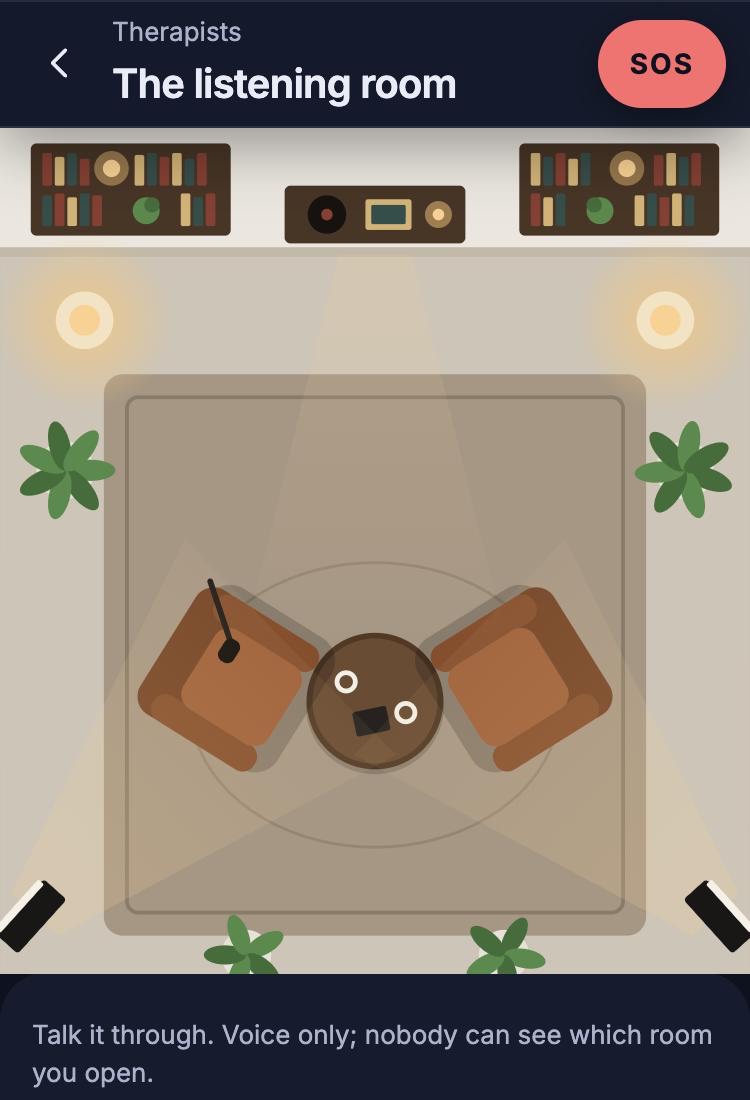
The listening room, in the Lifewillow app
What to expect
Choose how to book
See the therapists and their open times, or join the live queue.
Sign in and pay
Sign in with your phone number. The price is shown before you book, and you pay when you book.
Take your seat
You wait in the listening room and can check your microphone. The chair opposite stays empty until your therapist joins.
Talk
You can mute yourself or leave at any point.
Afterwards
You are asked how you feel now, and you can book a follow-up.
Your therapist
Therapists apply with their professional title and licence number, and our verification team reviews each application before they can take sessions.
Your therapist can keep private notes during a session. These are encrypted at rest.
Ongoing support
If a therapist is assigned to you, they can see your questionnaire scores and the titles and progress of your goals. They do not see your daily check-ins.
If something you write suggests serious risk, you are told at the time and a counsellor can be alerted.
Common questions
Can I choose my professional?
Yes, when you book a time. Each service lists its professionals and their open times. If you join the live queue, you are connected with the next available professional.
What happens while I wait?
You wait in the room and can check that your microphone is working. The screen shows your place in the queue, or when your professional is expected.
Can I cancel a booking?
Yes, at any point before the session starts. The held payment is then refunded.
Can I leave a session early?
Yes. You can mute yourself or leave at any point.
What happens after a session?
You are asked how you feel now, and you can book a follow-up session.
Urgent support
Lifewillow has not opened yet, so its SOS button is not available.
In immediate danger? Call 112 (emergency services).
Book therapy
You can browse without an account, and sign in with your phone number when you are ready to book.