Mediation and arbitration
Speak with a mediator or arbitrator by voice about a dispute you want to resolve.

Mediation
A mediator is neutral. They help the people in a dispute reach their own agreement.
Arbitration
An arbitrator is neutral too. They hear the people in a dispute and make a decision.
Voice only
Sessions take place by private voice call, and there is no camera.
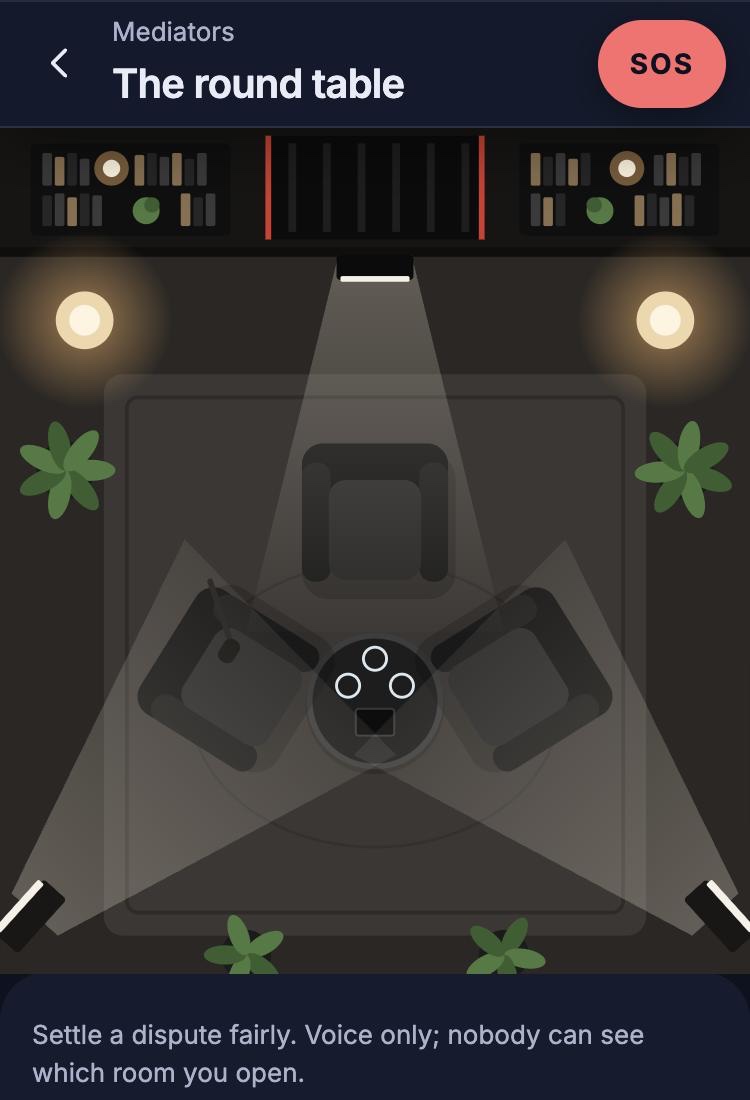
The round table, in the Lifewillow app
What to expect
Choose how to book
See the mediators and their open times, or join the live queue.
Sign in and pay
Sign in with your phone number. The price is shown before you book, and you pay when you book.
Take your seat
You wait at the round table and can check your microphone until your mediator joins.
Talk
You can mute yourself or leave at any point.
The other party
Coming soon
You will be able to invite the other party by text message or by sharing a link. They will not need an account, and they will confirm with a one-time code. You pay the fee, and you choose mediation or arbitration when you book.
If they decline or do not come, you can continue alone or cancel for a full refund.
Outcomes
We will confirm the details before Lifewillow opens.
Common questions
Can I choose my professional?
Yes, when you book a time. Each service lists its professionals and their open times. If you join the live queue, you are connected with the next available professional.
What happens while I wait?
You wait in the room and can check that your microphone is working. The screen shows your place in the queue, or when your professional is expected.
Can I cancel a booking?
Yes, at any point before the session starts. The held payment is then refunded.
Can I leave a session early?
Yes. You can mute yourself or leave at any point.
Urgent support
Lifewillow has not opened yet, so its SOS button is not available.
In immediate danger? Call 112 (emergency services).
Start a case
You can browse without an account, and sign in with your phone number when you are ready to book.